
Task management built into your Shopify Admin
Create, assign, and track tasks directly inside Shopify. Link tasks to products, customers, and orders so your team stays organized without ever leaving the admin.
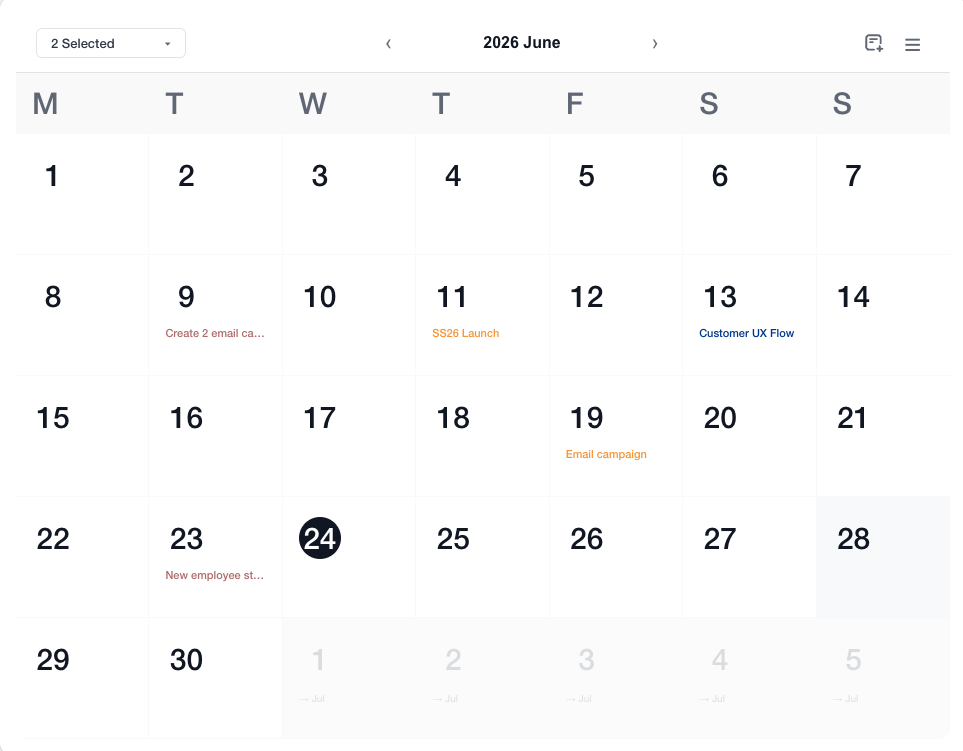
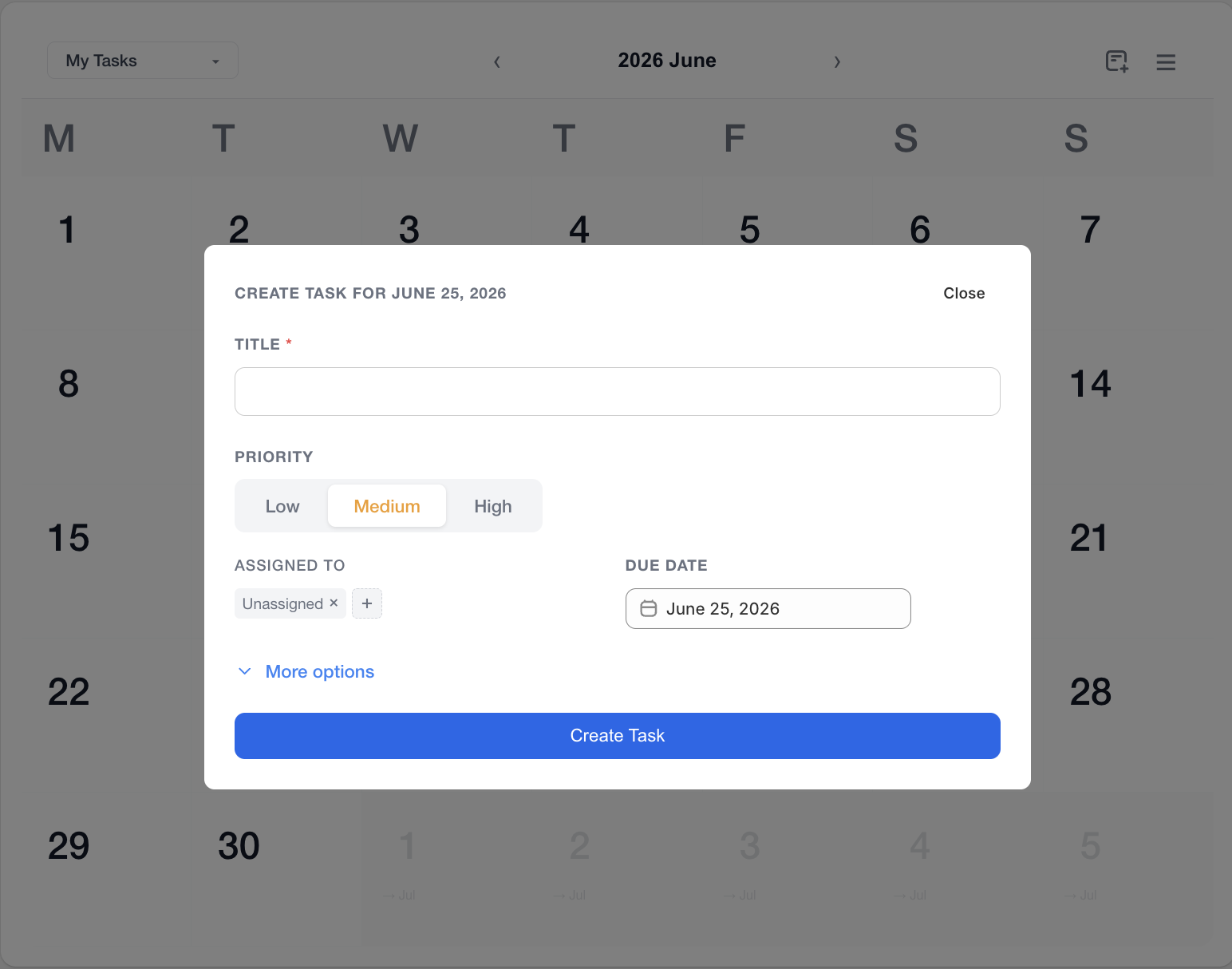
Monthly calendar view with tasks on their due dates
Everything your team needs to stay on top of tasks
Calendar and list views
View tasks on a monthly calendar organized by due date, or switch to a sortable list filtered by priority, assignee, or linked resource type.
Link tasks to store resources
Attach products, customers, orders, pages, images, and external URLs to any task so your team has full context without switching screens.
Admin block on every detail page
A task widget appears on product, customer, and order pages showing all open tasks for that resource, with inline completion and priority indicators.
Complete tasks without leaving the page
Mark tasks done directly from the admin block on any product, customer, or order page with a brief undo window, or close them from the calendar and list views with instant visual feedback.
Drag-and-drop images and file search
Upload images directly to a task by dragging them in, or search your existing Shopify Files library to attach them. Each task supports up to five images alongside its linked resources.
Automate with Shopify Flow
Use Shopify Flow to create tasks automatically. Trigger task creation when an order is placed, a product goes out of stock, or any other event. Build workflows that keep your team on top of what matters.
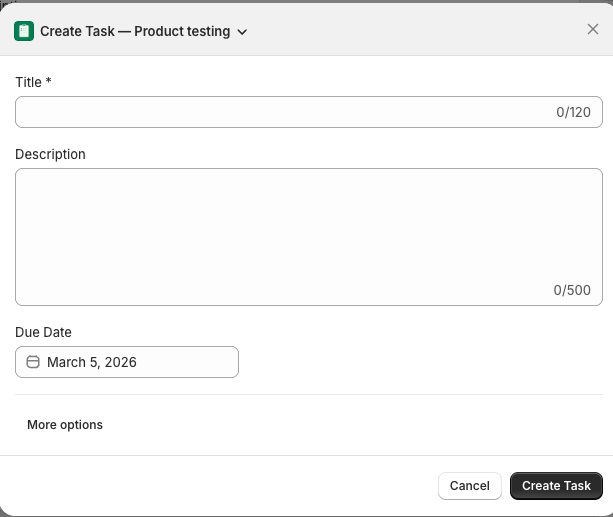
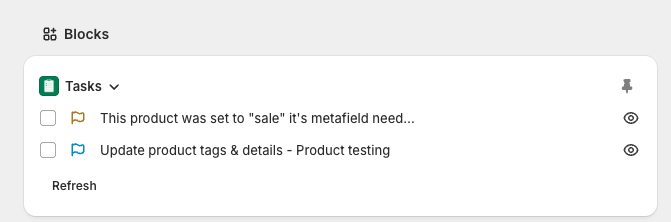
Create tasks in seconds and see them on every product, customer, and order page